What the free version includes
The free version lets you try everything before you pay. You can browse and search all your conversations, change the design and formatting, and create backups in every format, so you can check that the result is what you need.
The free version has these limits:
- Each backup can include up to 6 messages.
- Exported files include a small footer.
- The app shows ads.
Restoring a backup is free and has no limit.
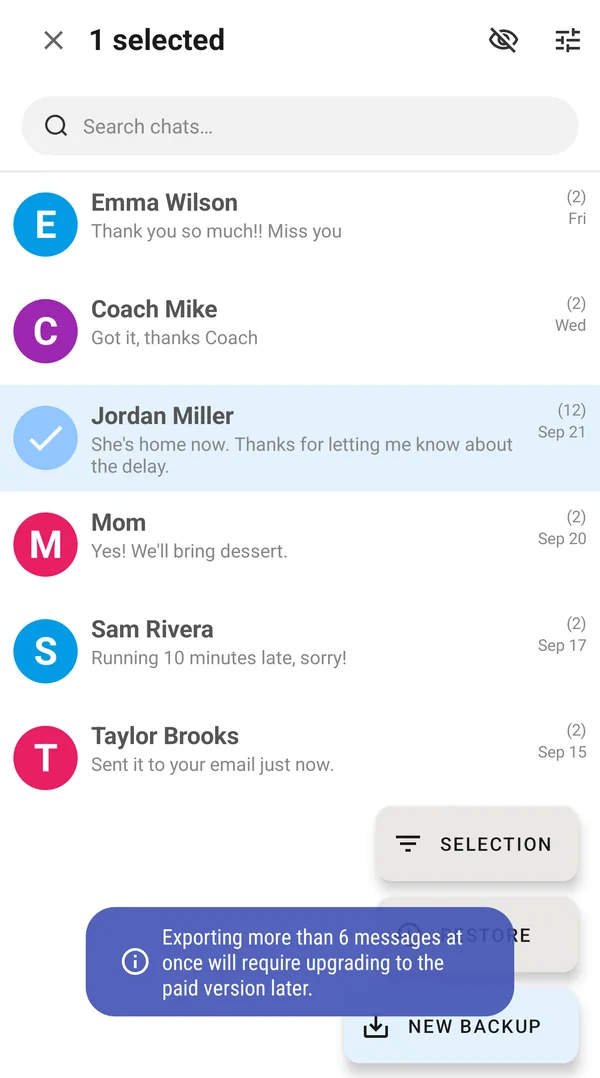
The limit is shown before you spend time on it. The first time you select messages, the app tells you that exporting more than 6 messages at once will need an upgrade.
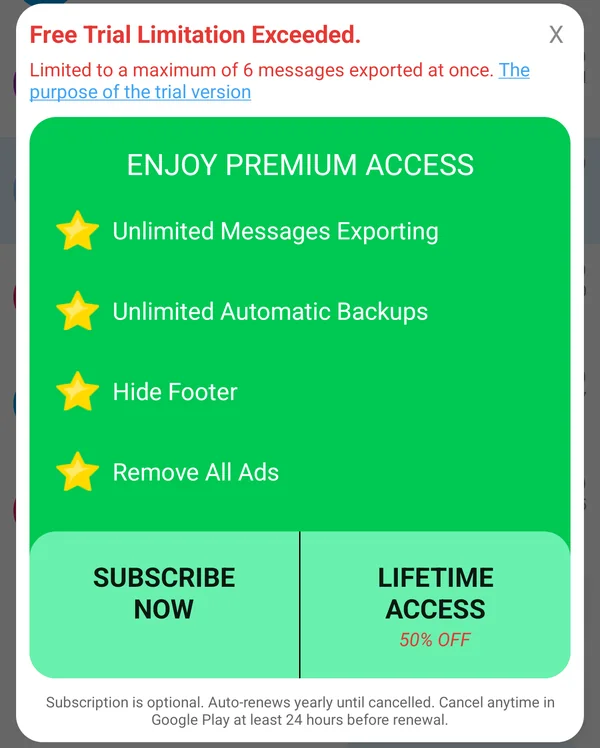
If you start a backup with more messages, the app shows the limit and the upgrade options.
What Premium adds
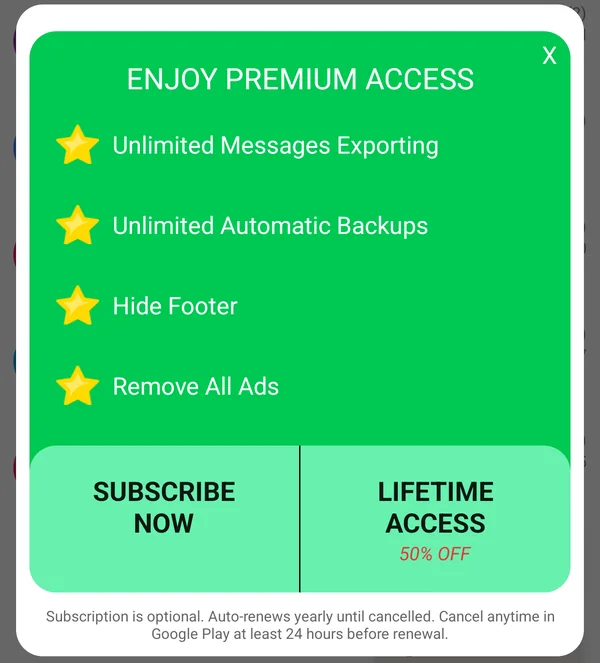
- Unlimited messages in every backup, in any format.
- Unlimited automatic backups on a daily, weekly or monthly schedule, to your phone or to Google Drive, Dropbox or OneDrive.
- No footer on exported files.
- No ads.
You can buy Premium as a subscription or as a one-time Lifetime Access purchase. To upgrade, tap the yellow crown icon at the top of the Chats screen. Premium belongs to your Google account, so it also works on your other Android phones that use the same account.
Why does the upgrade cost money?
The app may look like it does a simple job, but keeping it working is a large ongoing effort. There are thousands of phone models and many messaging apps, and each Android update changes how messages are stored. We keep developing and testing the app so it works reliably on all of them. The upgrade pays for that work and for our support team, who answer questions throughout the day.
Not what you expected?
After upgrading, the app works the same way, just without the limits. If something doesn’t work as expected, contact us through the support chat (three-dot menu > Help & Support > Chat) and we’ll help. If it still doesn’t meet your needs, we can refund you. See How to Request a Refund.